


You can find these numbers in several places, including Settings, on the physical device, in the Finder or iTunes, and on the original packaging.
1. Go to Settings > General and tap About.
2. Look for the serial number. You might need to scroll down to find the IMEI/MEID, and ICCID.
3. To paste this information into Apple registration or support forms, touch and hold the number to copy.
1. Press and hold the device's power button until you see the device logo. You'll then see "Hello" in many languages.
2. Tap the Info button, in the bottom-right corner of the screen.
No Fees - Straightforward Cash Offers.
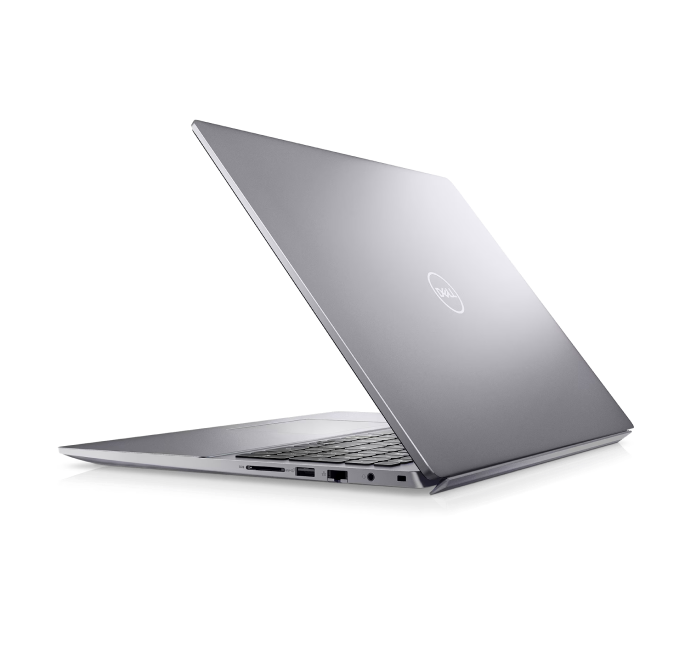

Please remove passwords (OS/BIOS) and log out of all accounts. Bring the charger, it raises the offer. We can wipe your data in front of you. Valid photo ID required.
Contact us via Call, Text SMS or text in WhatsApp
Our professional staff will estimate the cost of your items.
We make a fair, accurate cash offer on the spot. Get cash immediately.
We offer you to go through a simple grading process so we can estimate a value for your current device.

To begin you you can text us either:
- brand name and serial number of you laptop (examples: Apple CND44FS547J, Dell JS672K4)
- full name and specifications including CPU, RAM, GPU, Storage (examples: Dell Precision 7560 i7/32gb/512gb, Macbook Pro 2024 16" M3 Max, 32GB, 512GB)

Is your computer in good condition? Check our Dell Laptop guidelines and examples.
Guidelines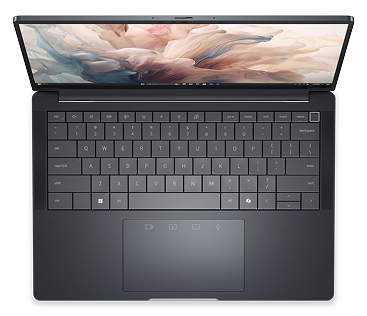
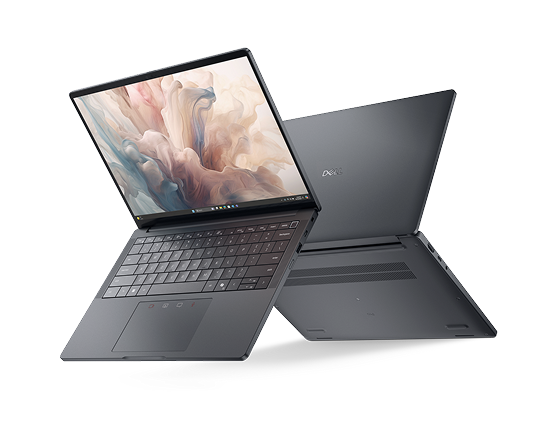
Text or WhatsApp clear photos of your Dell Laptop for a free preliminary estimate. Deal Zone has two stores in Dorchester, about a 7-minute drive apart: Deal Zone Fields Corner (1578 Dorchester Ave, Boston, MA 02122) and Deal Zone Uphams Corner (17 Stoughton St, Boston, MA 02125). Both buy the same range of items, so bring your Dell Laptop to whichever location is closer. Working, recent computers and repairable higher-value systems are considered. Obsolete or very low-value machines may be declined. We inspect the item in front of you and pay cash on the spot after you accept the offer.
Visit Us10+
Years of experience
Why sell your Dell Laptop? Our in-depth knowledge of the computer and laptop resale market ensures that the Dell Laptop you bring in receives a fair, precise evaluation. We pride ourselves on transparent transactions, careful in-person inspections and high customer satisfaction. Sell your Dell Laptop to Deal Zone in Dorchester and enjoy a smooth, rewarding experience.
What a Dell laptop is worth comes down to the line and configuration: an XPS or Latitude with a current Core i7, 16GB or more of RAM, and a fast SSD pulls far more than an entry-level Inspiron, and we confirm the exact specs, screen condition, and battery health before we quote. Both of our Dorchester stores buy the same range of items, so bring it to whichever is closer: Deal Zone Fields Corner, 1578 Dorchester Ave, Boston, MA 02122, or Deal Zone Uphams Corner, 17 Stoughton St, Boston, MA 02125. We boot it and test it in front of you, then pay instant cash on the spot, with no auction fees and no shipping while you wait on a buyer.
Let’s Make a DealA Dell quote sent over text is only as good as the details behind it. Two machines can both be described as a 15-inch Dell and still sit four generations and two brackets apart, so the numbers matter more than the photos do. Everything below can be collected in a few minutes without opening the laptop, and it is what lets the range we text back still stand when you set the machine on the counter.
Five things to have in hand before you text us:
One more figure is worth pulling before you write to us. Press F2 at the Dell logo and open Battery Information, or run powercfg /batteryreport in Windows, and compare full charge capacity against design capacity. A tired cell in a Precision or an Alienware is simply a part we price in, as long as we know about it in advance rather than at the counter. Send the Service Tag, the spec line, the white-screen photos and that battery figure in one message, and the estimate you get back is built on the same information we would collect ourselves.
Most Dell machines that leave the counter unbought fall into two groups: locked units we cannot clear, and configurations the used market has written off.
Cracked screens, dead batteries and a Windows install that will not load are a different matter. Those get priced down, not turned away.
The Dell units that quote well are built for work or gaming, kept whole, and handed over with the brick that came in the box.
Add a trackpad that still sits flat, meaning no swollen battery underneath, a bottom cover with every screw, and a legible Service Tag, and the number stops being a range.

We assess each Dell laptop based on its model, condition, specifications, market demand, and current retail and preowned prices, ensuring a fair valuation.
Payment is immediate. Once we agree on a price and verify your Dell laptop, you receive cash on the spot.
We power it on, run through the keyboard, trackpad, ports, and display, and check the battery cycle count along with whether it's held up by a BIOS or BitLocker lock. We also confirm the Dell service tag matches the machine so the specs and warranty status check out.
Yes, we buy Dell laptops in various conditions, including "for parts or repair," with payouts depending on the seriousness of the damage or software issues.
No, we operate with full transparency. There are no hidden fees or commissions. Also, we don’t need your social security number; the money you receive from us is NOT reported to the IRS as your income!
Yes, estimates can be provided over text. Send photos and detailed info about your Dell laptop for a free estimate.
Yes, we offer the option to trade your Dell laptop for other items in our inventory. You receive additional trade-in credit with this option.
You’ll need a valid driver’s license, state ID, liquor ID, passport, Visa, or Green Card.
Our pricing depends on the market value of the Dell laptop. We always offer fair and consistent payouts that don’t rely on the seller’s expectations or negotiation skills.
 WhatsApp
 Send SMS